
Multiplayer Games with Crossplay: iPhone, Android and Browser
Your friend has an Android, you have an iPhone, and someone else is on a laptop. Crossplay means you can all still play together. It's common in big console games, but surprisingly rare in casual 2 player games. Here's how it works and where to find it.
What crossplay means for casual games
Crossplay simply means players on different platforms share the same online games. For classic board and party games that usually means one of two things: a shared room code you can join from any device, or a shared matchmaking pool so quick matches pair you with players everywhere.
Crossplay in Multiplayer Games
Multiplayer Games runs on iPhone, iPad, Android and the web, and every version uses the same online service. Create a room in the app, share the code, and a friend can join from their own phone or from multiplayergames.app in a browser.



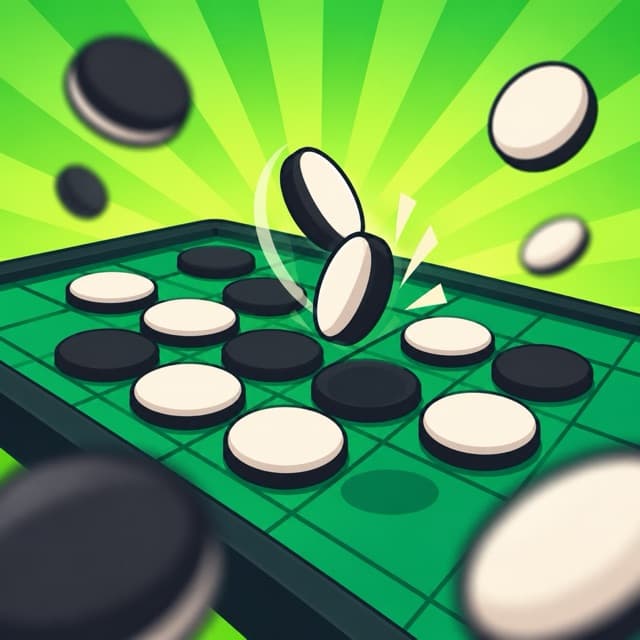
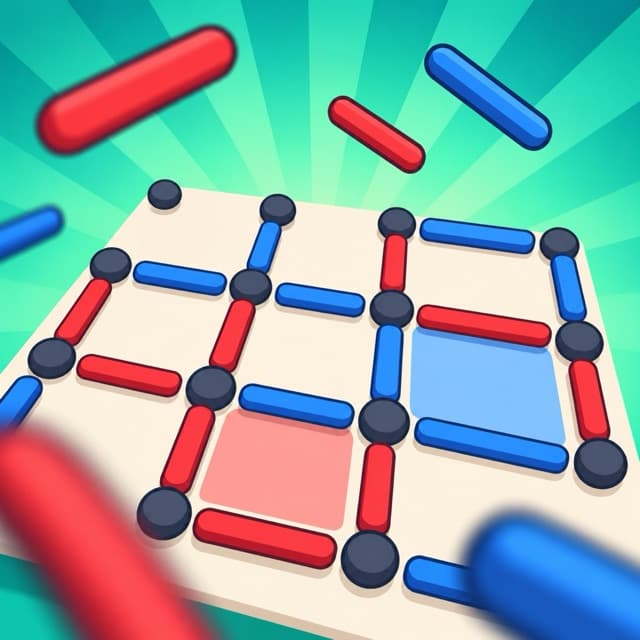
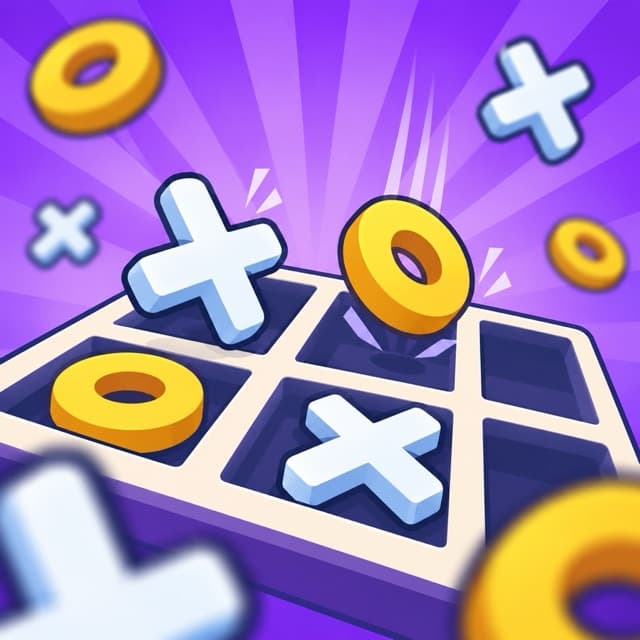
- Same rules everywhere. Every game plays by the same rules on iPhone, iPad, Android and the web, so a crossplay match plays out exactly as it would on one device.
- One leaderboard. Online wins from every platform count towards the same weekly leaderboard.
- Browser-friendly. Friends without the app can join with the room code on the website — no download needed.
- Turn-based and live. Play in real time, or take turns over the day.
How to start a crossplay game
- 1. Pick a game. Open any online-enabled game and choose Online.
- 2. Create a room. You'll get a short code.
- 3. Share the code. Send it to your friend — on iPhone, Android or a computer.
- 4. Play. As soon as they join, the match starts.
No internet? Use pass-and-play
Crossplay needs a connection, but every game also works on a single device. Hand the phone over between turns — great for travel.